
Online Meme Generator
Create high-resolution memes in seconds client-side. Choose popular templates or upload custom layouts. 100% free and secure.
Select a Popular Meme Template:





Drag & drop your custom background image here, or click to browse
Interactive Client-Side Canvas Meme Creator
Humor is a staple of digital communication. Drafting custom memes for group chats, social channels, or Slack channels requires a lightning-fast tool that loads instantly. However, typical meme websites clutter your workspace with popups or transmit uploaded personal photos to external storage servers. ToolsCrush provides a highly secure, serverless Meme Generator running 100% locally in your browser sandbox.
Complete Private Operations: No Server Uploads
Why let third-party databases retain images of your custom memes, personal photographs, or team layout mockups? Standard services process images on their backend, which exposes your private details. ToolsCrush compiles photos in active browser RAM using the native HTML5 Canvas API. Your original files and text structures never leave your computer, keeping your visual assets secure.
Rich Creative Features
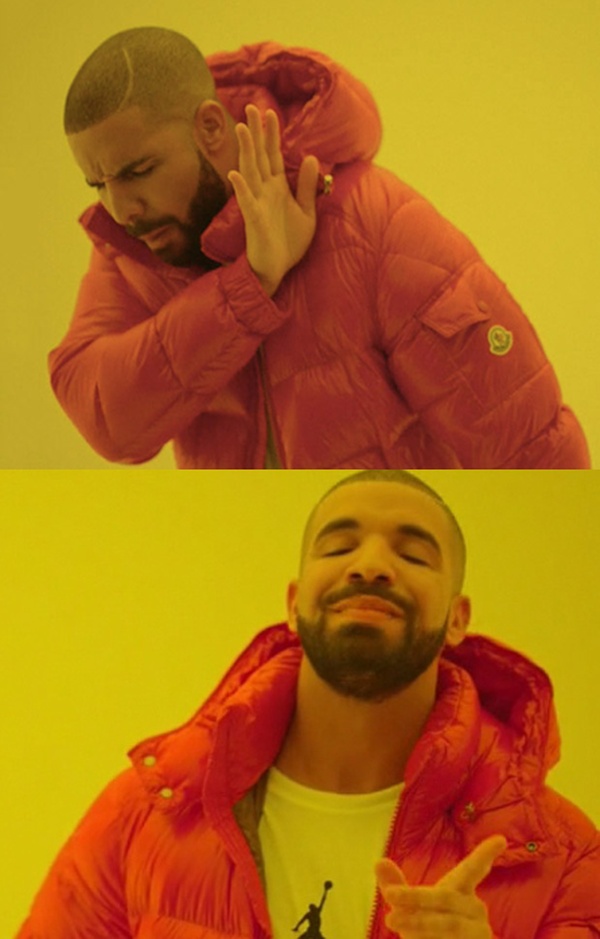
- Trending Preset Catalog: Load classic templates in a single click (including Drake, Doge, Grumpy Cat, disaster girl) using fast public CDN links.
- All-In-One Typography Customizer: Complete sliders for caption font size, outline stroke weight, text position coordinates, color pickers, and all-caps toggles.
- Drag-and-Drop Customizable Canvas: Drag and drop any personalized photograph to serve as your meme background.
- High-Resolution Exports: Save and export your creations instantly in lossless PNG format with zero watermarks or subscriptions.
How to Generate Memes Locally
- Load Background: Click one of our horizontal preset thumbnails, or drag and drop any private photo into the uploader area.
- Add Captions: Fill in the Top Text and Bottom Text controls. The visual canvas updates in real-time.
- Customize Styling: Adjust the sliders to scale font size, outline border weights, or reposition text heights. Customize color parameters as needed.
- Export: Click "Download Meme" to save the compiled file immediately to your browser.